
Free Crop Image Online
Crop images precisely without quality loss. Fast, free & secure.
Our Tools

Crop PNG Image Online – Free Image Crop Tool | aitoolkitcenter
Introduction
Looking to crop PNG images online without installing any software? This free image crop tool lets you crop PNG files quickly while maintaining image quality and transparency. The tool works directly in your browser and supports mobile and desktop devices.
Although this page focuses on PNG images, the tool also allows you to crop JPG, GIF, screenshots, and other common image formats using the same simple interface.
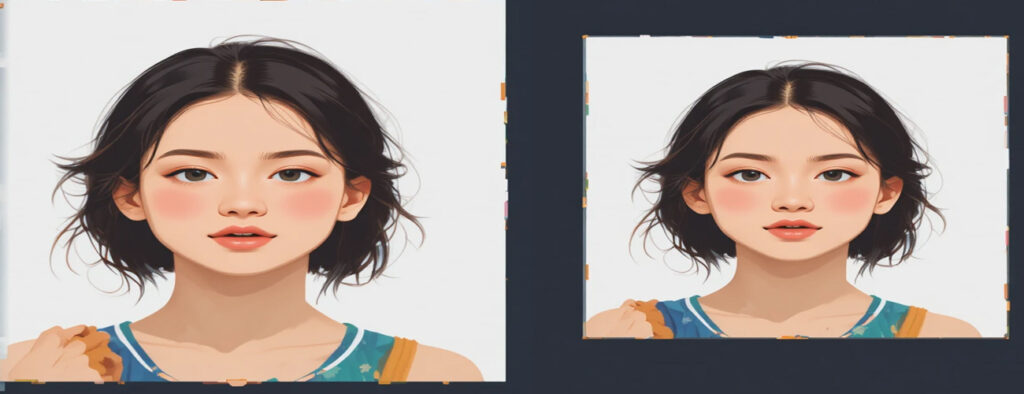
What Is an Image Crop Tool?
The image cropping tool lets you take a picture and trim off any parts of the image that you don’t want. The tool is used most often to change the size of an image, cut out the background of an image, and make images optimised for web use and use on social media.
While this tool was created specifically for cropping PNG files with transparency, it will handle cropping very well for other image formats as well.
Supported Image Formats
This tool is designed to crop multiple image formats, including:
PNG (with transparent background support)
JPG / JPEG
GIF (static and animated frames)
Screenshots
Web images used for websites or social media
PNG is highlighted on this page because it preserves transparency, but the cropping process is the same for all supported formats.

Key Features of This Image Crop Tool
Crop PNG images online for free
Supports JPG, GIF, and other formats
Maintain image quality and transparency
Crop images by pixels or custom selection
No watermark added
No signup or login required
Works on mobile, tablet, and desktop
Fast and secure browser-based processing
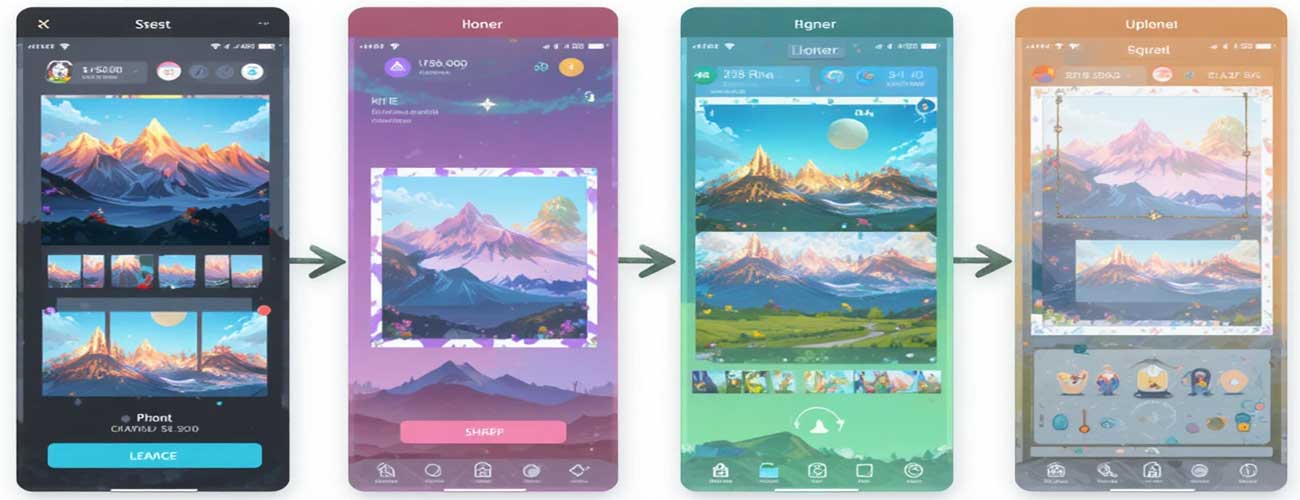
How to Crop Images Online (Step-by-Step)
Upload your image file (PNG, JPG, GIF, or screenshot)
Select the area you want to crop manually or by pixels
Preview the cropped image instantly
Download the final cropped image
The entire process takes only a few seconds and does not require any technical skills.

Benefits of Using This Free Image Crop Tool
This tool is built for users who want quick and accurate image cropping without complicated software. It is suitable for beginners, designers, bloggers, and developers.
Benefits include:
Saves time compared to editing software
No quality loss after cropping
Simple and clean interface
Works for multiple image formats
Ideal for web, social media, and design use
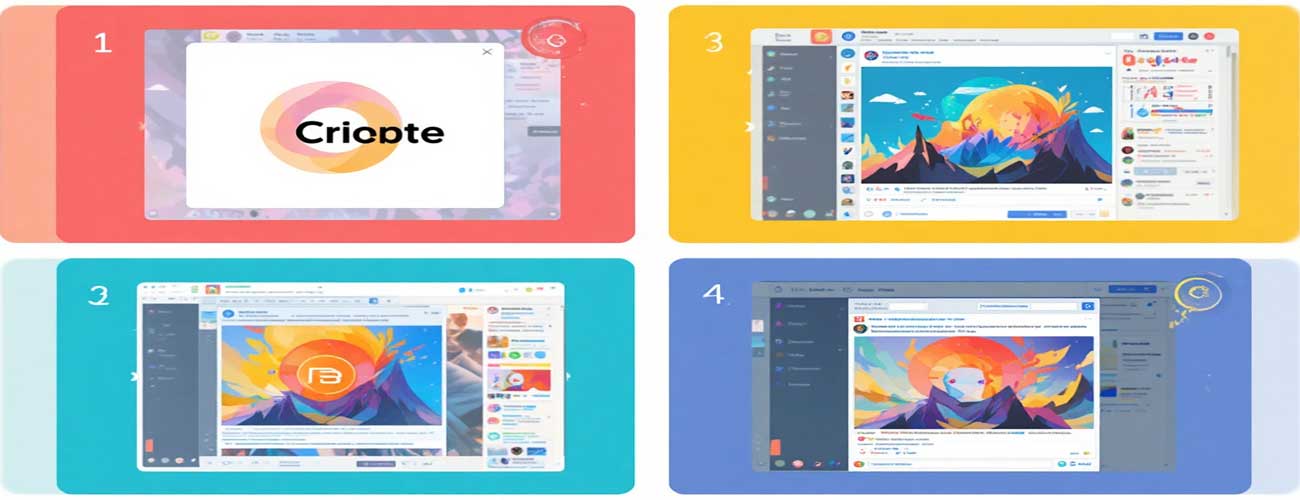
Common Use Cases
Crop PNG logos for websites
Adjust JPG images for blog posts
Crop GIF images for animations
Remove unwanted areas from screenshots
Prepare images for social media platforms
Resize and crop images for eCommerce listings
FAQs
Can I crop images other than PNG?
Yes. This tool supports cropping PNG, JPG, GIF, screenshots, and other common image formats.
Does cropping PNG remove transparency?
No. PNG transparency is preserved after cropping.
Can I crop images on mobile?
Yes. The image crop tool works smoothly on mobile devices and tablets.
Is this image crop tool free?
Yes. The tool is completely free and does not add watermarks.
Are my images stored?
No. Uploaded images are processed securely and are not stored permanently.