
Image Compressor Online – Free, Fast & Smart Image Optimization Tool
Large images slow down websites, increase bounce rates, and negatively affect search rankings. In 2026, page speed is no longer optional — it directly impacts user experience and visibility in Google.
This image compressor online helps you reduce image file size instantly without losing quality. Whether you run a blog, ecommerce store, or business website, this image compressor online tool makes optimization simple and fast.
Image Toolbox
All-in-one client-side image editing tools. Your images never leave your browser.
Step 1: Choose a tool above → Step 2: Upload your image
Drag & drop an image here or click to browse
Upload Image
Upload an image to get started. You can drag & drop or click the upload button.
Supported formats: JPG, PNG, GIF, WEBP
Image Resize
Rotate
Flip
Filters & Effects
Image to ASCII Converter
Image Palette Generator
Image Download Settings
Unlike bulky desktop software, this image compressor online works directly in your browser. You don’t need to install anything. Simply upload your image, compress it, and download the optimized version in seconds.

Why Image Size Still Breaks Websites in 2026
Even in 2026, oversized images remain one of the biggest causes of slow websites. When images are not optimized, they increase load time, reduce mobile performance, and weaken SEO signals. Heavy images can lead to:
• Slow website loading
• Lower Core Web Vitals scores
• Reduced mobile speed performance
• Decreased search visibility
• Poor overall user experience
Search engines prioritize fast-loading pages. As a result, properly optimized images directly improve engagement, indexing, and ranking potential.
Why Use This Image Compressor Online for Website Optimization
Website performance directly impacts SEO and user experience. Using an image compressor online ensures your images load faster, reduce bandwidth usage, and improve Core Web Vitals scores.
You should use an image compressor online before uploading images to your website, blog posts, landing pages, or product pages. It is especially useful for photographers, developers, marketers, and ecommerce store owners.

What Makes This Image Compressor Online Different
Most online tools focus only on reducing image size. However, this image compressor online provides a complete image workspace in one place. Instead of switching between multiple platforms, you can compress, resize, rotate, enhance, and analyze images instantly within a single interface.
With this tool, you can:
• Compress images without visible quality loss
• Resize images to custom dimensions
• Rotate or flip images instantly
• Apply quick visual filters
• Generate color palettes
• Convert images into ASCII art
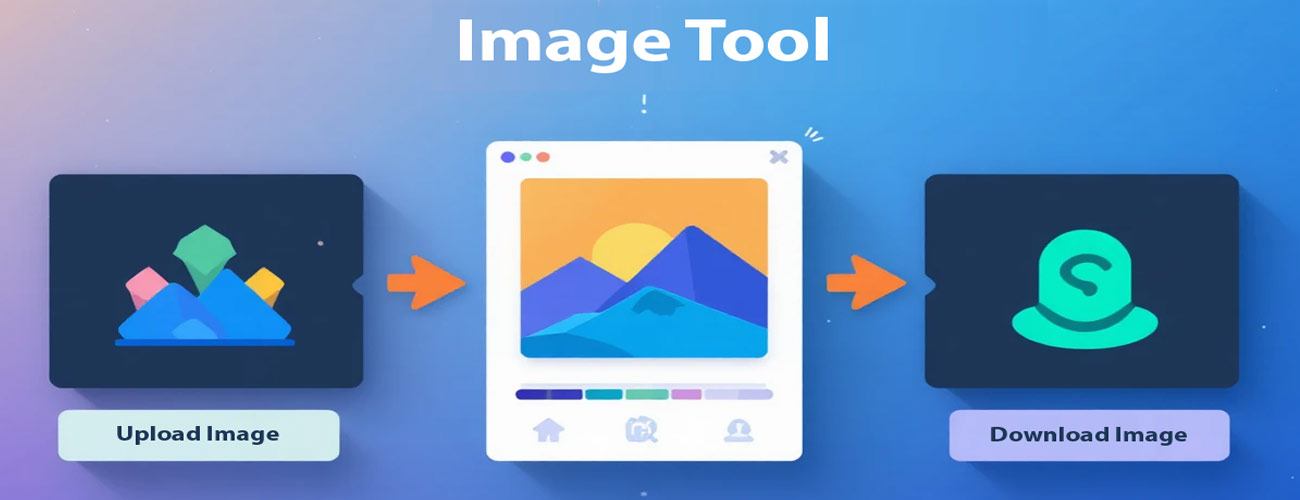
How to Compress Images Online (Step-by-Step)
Using this Web–based image compressor is really easy:
Upload Your Image
Drag and drop your image into the upload area or click the upload button to select a file from your device. You can upload JPG, JPEG, or PNG images instantly.
Choose Your Compression Settings
Select your preferred compression level or choose a target file size. You can also resize, rotate, or apply additional features before downloading.
Download the Optimized Image
Once processed, your compressed image will be available immediately for download. There are no redirects, no waiting screens, and no hidden steps.
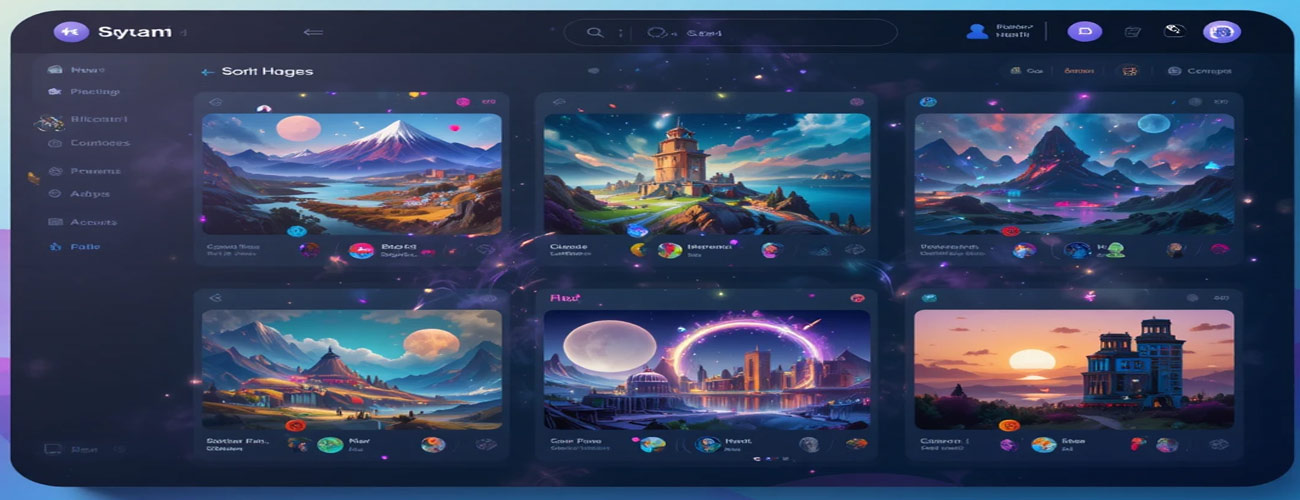
Complete Features of This Image Compressor Online
Compress Image:
Reduce the file size while keeping the same level of quality.
Resize Image –
change the width and the height specifically so you will not have any visual distortions.
Rotate & Flip
fix the orientation of any photo with a single click.
Apply Filters
Make visual enhancements to images (Adjust the Brightness, Contrast, Enable Grayscale, and Apply Blurring).
Images to ASCII
change any graphic into an artistic text layout of ASCII characters.
Colour Palette
Generate a colour palette from the uploaded image. Colour palettes are typically used for branding, user interface design, and content development.
How Image Compression Impacts SEO & Core Web Vitals
When you optimize an image, you positively affect the following factors:
- Large Contentful Paint (LCP)
- Page Speed Score
- Mobile Usability
- Crawl Efficiency
Search Engines are prioritizing pages that have fast load times. Therefore, compressing images can lower your server load and help improve your overall performance. For bloggers, developers and business owners, this directly supports indexing and ranking potential.
According to Google’s Page Experience documentation, image size directly impacts loading performance and user experience. You can review detailed guidance on performance optimization in Google’s official Core Web Vitals documentation and Web.dev performance resources.
Designed for Privacy (Processing Local to Browser)
Your images never leave your device.
- No server uploads
- No cloud storage
- No tracking scripts
- No file retention
Who Uses This Tool on a Daily Basis
The tool easily fits into many daily workflows:
- Bloggers optimizing images for posts
- Developers preparing lightweight assets
- Designers taking brand palette colors
- Students compressing assignments
- E-Commerce Sellers optimizing their product photos
If your daily workflow includes images, this image compressor online can become a reliable productivity tool that saves both time and bandwidth.
This free image compressor online is designed for speed, privacy, and simplicity. Because it runs entirely in your browser, your images are never stored on our servers.
Most Common FAQs about Image Compression
Is this a free tool available online for compressing images?
Yes, all available options on this website are completely free and do not require a user to register.
Will the quality of the images be affected by compressing them with this tool?
The compression tool has been configured so images maintain visual clarity but lose file size.
Can images be resized after they have been compressed with this tool?
Yes, the tools can be used in any sequence.
Additional Free Tools That May Be of Interest to You
If you regularly optimize content and images using our image compressor online, you may also find these additional tools helpful:
Crop Image
Watermark Image
Word Counter Tool
Typing Speed Test
PDF to Word Counter
PDF to Text Converter
Hashtag Generator
These tools were created to improve the productivity of daily activities.
About the Image Compression Tool
IAT (Internet Application Technique) builds privacy-first, browser-based digital tools designed for speed, simplicity, and real-world usability. Every tool is updated regularly to maintain compatibility with modern browsers and evolving performance standards.
Last updated: February 2026