
Free Typing Test Tool
Test your typing speed in seconds with our free typing test online. Check your WPM (words per minute), accuracy, and real-time performance without signup or downloads. If you are preparing for an exam, trying to improve productivity, or simply practicing typing daily, this typing speed test will allow you to measure your performance, and will provide you with real time feedback on both your progress and accuracy.
Typing Speed Test
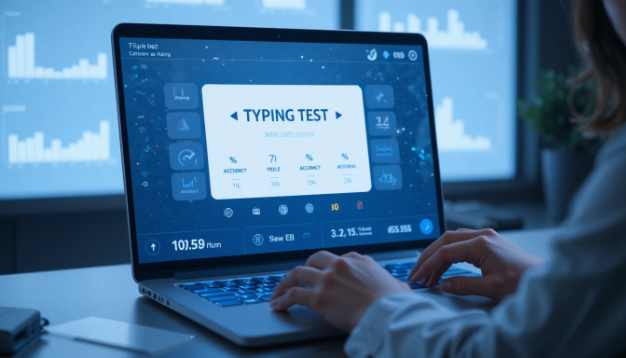
How to Use the Free Typing Test Tool (Step-by-Step Guide)
- Choose your level of difficulty: Easy, Medium or Hard.
- Click on “Start Typing” to begin your first round of typing.
- Carefully type out the sentence that is presented to you in the input box.
- You will be given 60 seconds to complete your round. After the time has elapsed, your results will automatically appear which will include:
- Words Per Minute (WPM)
Accuracy percentage
- You can reset the current test or start a new one by clicking the button next to Start Typing.
What Is a Typing Test?
A typing test is a tool available online that allows you to measure both your typing speed and the accuracy of your typing. Typing speed is calculated in terms of WPM (words per minute) and typing tests will identify whether or not you made any mistakes while typing, and how consistently you can type. Modern typing tests provide feedback in real time, thus providing a valuable tool for people such as students, professionals, or anyone looking for ways to improve their keyboard efficiency. Typing speed is usually measured in WPM (words per minute), based on standard typing speed measurement methods used globally.

Why Take a Free Typing Test Online?
Typing is no longer just an everyday necessity; it is now a major contributor to productivity levels.
- Save hours of work every week
- Significantly improve performance on exams
- Increase productivity at work
- Create greater confidence while taking exams
By taking a free typing test, you will quickly find out your current typing level and what areas you need to improve.
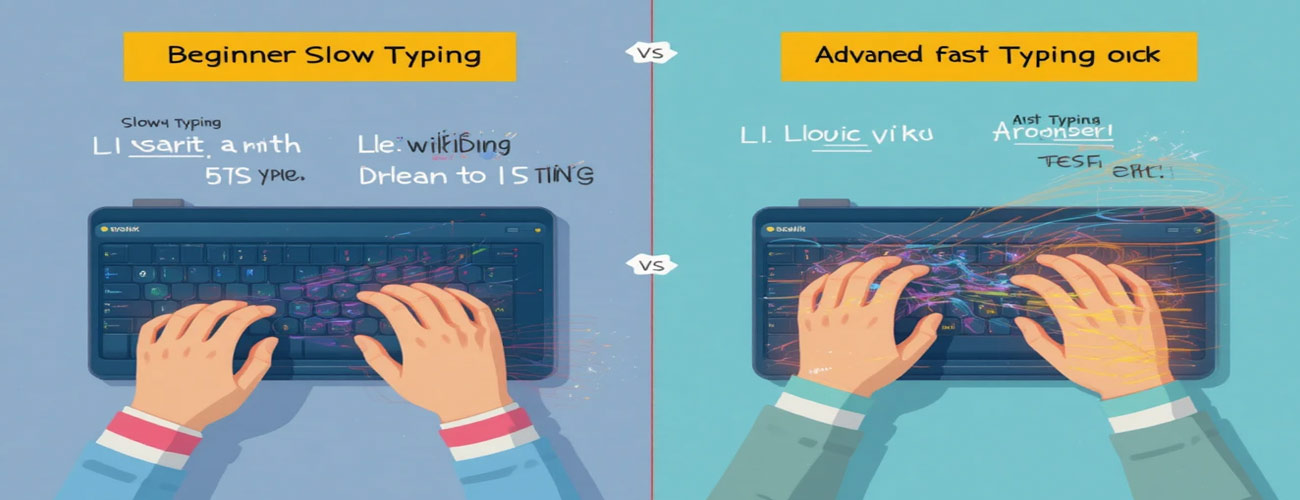
What Does This Typing Speed Test Measure?
Our tool provides complete typing analysis, including:
Words per minute (WPM)
Accuracy; Number of Errors
Mistake count
Speed measured in real-time
Performance feedback
This helps you understand both speed and precision — the two key pillars of typing mastery.
Who Should Use This Typing Test?
This tool can be useful to the following:
- Students who are getting ready for typing test
- Job hunters applying for a clerical job
- Bloggers and writers
- Programmers and developers
- People who do data entry work
- Anyone who uses the keyboard on a daily basis
If your daily routine involves typing, it is highly beneficial to monitor your WPM to enhance your productivity.
How to Improve Typing Speed (Pro Tips)
Want to get results faster? Use these tips:
1. Practice Daily
Type for 10 to 15 minutes every day to improve your muscle memory.
2. Focus on Accuracy First
Your speed will improve as you make fewer mistakes.
3. Use Proper Finger Placement
Touch Typing will dramatically increase your speed.
4. Avoid Looking at the Keyboard
Train your brain to use your muscle memory.
5. Track Your WPM Weekly
Keeping track of your WPM is a great way to motivate yourself

What Is a Good Typing Speed?
Typing speed varies based on experience level:
Beginner: 20–30 WPM
Average: 35–45 WPM
Advanced: 50–70 WPM
Expert: 80+ WPM
Most office jobs require at least 35–40 WPM with high accuracy.
Benefits of Using Our Typing Test Tool
There are many typing sites with lots of clutter. This typing test is different because it has a focus on simple and accurate results.
✔ Clean, simple interface (no distractions)
✔ Results displayed immediately (no registration required)
✔ Ability to see how accurate you are as you type
✔ Mobile and desktop versions available
✔ New and beginner-friendly
You can take an unlimited number of typing tests and check how much you had improved on all tests anytime.
Thousands of users use our typing test daily to track speed and accuracy without distractions.
Improve Your Daily Productivity with Faster Typing
If you can type faster, it will save you time and make you more efficient.
From writing emails and coding to content creation and exams, better typing skills reduce fatigue and increase output.
Even improving from a 10–word–per–minute pace will give you hours back each month.
Try the typing test above and see your WPM instantly.

Want to improve faster? Read our guide on improving typing speed.
To increase your typing speed rapidly and reliably, visit our in-depth article on typing speed improvement. It includes effective methods for improving your typing, common pitfalls to avoid, and daily practising suggestions to accelerate your progress from beginner to proficient typist. Whether you need to type faster for work, for school exams, or for some other reason, this article will provide you with step-by-step instructions on how to reach your goal. (How to Improve Typing Speed)
Frequently Asked Questions
What is a good typing speed?
A good typing speed for most users is 35–45 WPM. Professionals usually type faster than 60 WPM.
How can I improve typing speed quickly?
You can improve your typing speed in a few weeks by practicing every day, using the correct finger positions to type, and focusing on being accurate when you practice typing.
Is this typing test free?
Yes, the tool is completely free and requires no registration.
Does it work on mobile?
Yes, you can take the typing test on phones, tablets, or desktops.
How often should I take a typing test?
3–4 times per week is ideal to track progress and build consistency.