
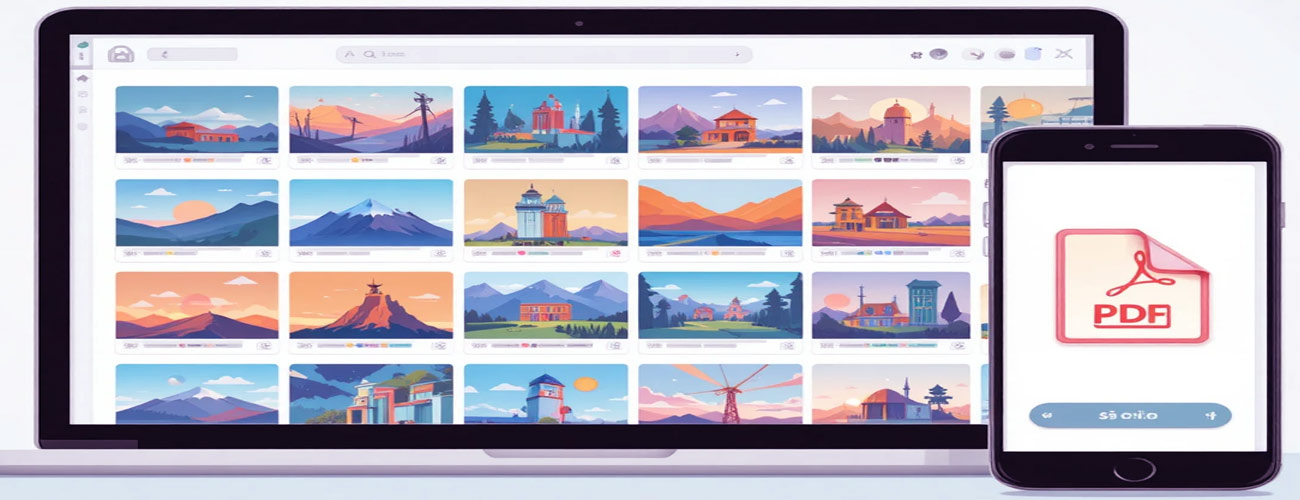
Image to PDF Converter Free – Fast, Secure & Online Tool
Looking for an Image to PDF converter free tool that is fast, secure, and easy to use? Our online image to PDF converter helps you convert JPG, PNG, HEIC, and other images into high-quality PDFs instantly — without signup or installation.
In today’s digital world, documents have become an essential part of everyday communication. Whether it is for education, business, official paperwork, or personal use, we constantly deal with digital files. Among all formats, PDF remains the most trusted and widely accepted. That is why more and more users now prefer to convert image to PDF online instead of sharing loose image files.
PDF (Portable Document Format) was developed by Adobe and is widely used for secure document sharing across platforms.
Images are easy to capture, but managing them professionally is often a challenge. Multiple photos scattered across devices, email attachments, or cloud storage can quickly become messy and unorganized. By converting images into a single PDF file, everything becomes clean, structured, and easy to share.
How to Use Our Image to PDF Converter Free?
There are many reasons why users prefer PDF over image files. PDF documents maintain formatting, reduce file clutter, and look more professional. When images are combined into a single document, they become easier to store, print, and submit.
Using an online converter saves time and effort. You do not need to install any software, sign up, or learn complicated steps. With just a few clicks, you can upload your images, arrange them, and download a high-quality PDF instantly.
This approach is especially useful for:
Office documentation
Government form submissions
College assignments
Scanned notes
Legal paperwork
Business reports
Easily Combine Multiple Images Using Our Image to PDF Converter Free
One of the most common needs is combining several images into a single document. A multi image to PDF solution allows users to upload multiple pictures at once and merge them into one organized file.
Instead of sending ten different photos, you can send one clean PDF. This not only improves presentation but also reduces confusion for the receiver.
The ability to rearrange images before conversion ensures that pages appear in the correct order. Whether it is scanned documents, receipts, or handwritten notes, everything can be structured exactly the way you want.
How to Save Multiple Images as One PDF Using Free Image to PDF Converter
Many users often search for how to save multiple images as one PDF, especially when working with documents or assignments. The process is surprisingly simple:
Upload multiple images at once
Reorder them using drag-and-drop
Rotate images if needed
Click on convert and download the PDF
With this simple four-step process, anyone can easily combine photographs into a single professional PDF file without any technical knowledge.
This method works perfectly for scanned documents, ID proofs, bills, certificates, and project files.
Support for HEIC Image to PDF & TIFF Image to PDF
Modern devices, especially iPhones, use the HEIC format by default. Many users face difficulties when trying to share or upload HEIC images. A reliable HEIC image to PDF converter ensures seamless compatibility across all platforms.
Similarly, TIFF files are widely used in professional scanning and printing environments. Converting TIFF image to PDF helps preserve quality while improving accessibility.
Support for multiple formats such as:
JPG
PNG
HEIC
TIFF
BMP
WEBP
ensures that users never face compatibility issues, regardless of device or workflow.
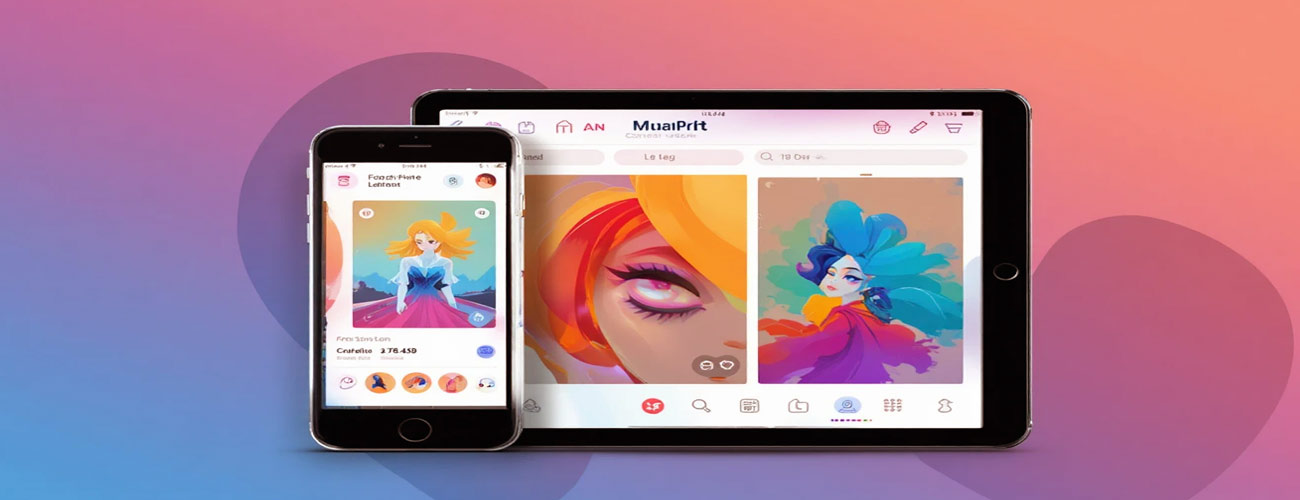
Free Image to PDF Converter – Works on Mobile, Desktop & Tablet
One of the biggest advantages of browser-based tools is platform independence. Whether you are using Windows, macOS, Android, or iOS, the experience remains consistent.
You can convert images directly from your smartphone, tablet, or desktop without installing any app. This flexibility makes it easy to manage documents even while traveling, studying, or working remotely.
Our image to PDF converter free tool is designed for speed, simplicity, and privacy.
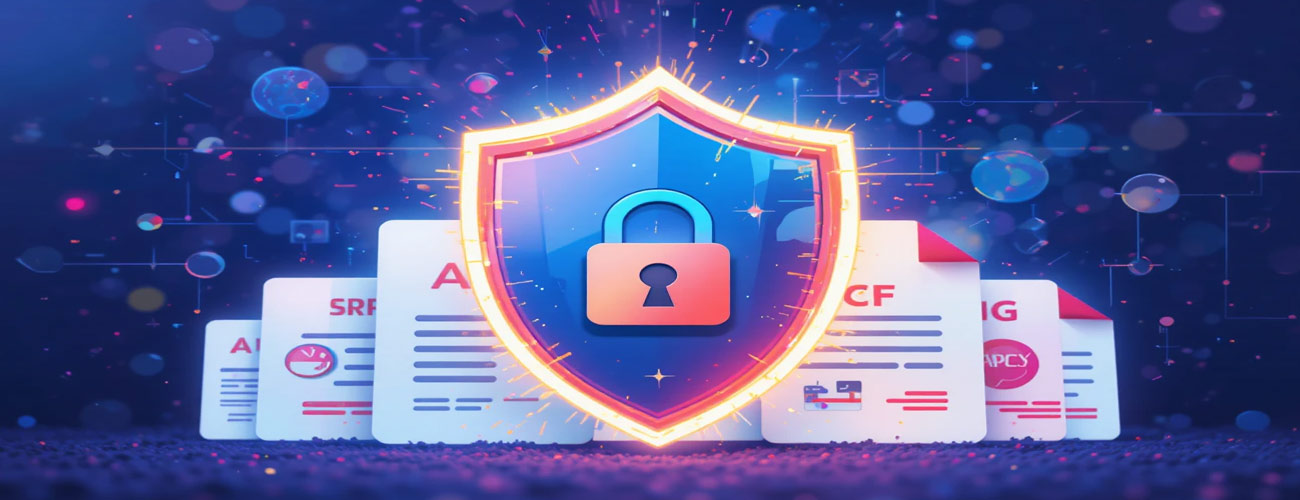
Secure Image to PDF Converter Free – Privacy & Data Protection
When dealing with personal or official documents, privacy becomes critical. Reliable tools process files directly in the browser and do not upload them to any server.
This means:
No file storage
No tracking
No third-party access
No data retention
Your documents remain completely private and secure, making online conversion safe even for sensitive information such as IDs, certificates, contracts, and financial documents.
Why PDF is Better Than Image Files for Documents
Although images are convenient, PDFs provide several advantages when it comes to documentation:
One clean file instead of multiple images
Consistent formatting across all devices
Easier printing
Smaller overall file size
Professional appearance
Universal compatibility
This is why converting images into PDFs has become a daily necessity for students, professionals, and businesses alike.
Real-Life Uses of Online Image to PDF Conversion
Online image to PDF tools are used in countless real-world scenarios, including:
Submitting office documents
Uploading government forms
College and school assignments
Creating resumes and portfolios
Managing invoices and bills
Storing scanned paperwork
Sharing legal documents
From students to corporate professionals, almost everyone benefits from a fast and secure image-to-PDF solution.
Common Problems Solved by Online Image to PDF Tools
Many people struggle with:
Large image file sizes
Multiple attachments in emails
Compatibility issues
Poor document organization
By converting images into PDF format, all these problems are solved in one simple step. Everything becomes clean, compact, and easy to manage.
Final Thoughts
Digital documentation is becoming more important with each passing day. Whether for academic work, office tasks, or personal records, having a simple and secure way to convert images into PDF files makes life easier.
If you are looking for a fast, reliable, and user-friendly way to convert image to PDF online, a browser-based solution can save time, improve productivity, and ensure professional document handling.
With this image to PDF converter free, you can instantly convert, combine, and manage your documents without any cost.
Start using this tool today and experience fast, secure, and hassle-free image to PDF conversion — completely free.
👉 Convert Image to PDF Online: https://www.aitoolkitcenter.com/convert-image-to-pdf-online/