
JPG to WebP Converter
Convert JPG to WebP online, for free.
✔ Secure processing — images are never uploaded
This webp converter tool helps you reduce file size while keeping image quality almost intact.
Whether you want to convert image to webp, optimize blog images, or improve page speed, this tool makes everything simple and fast.
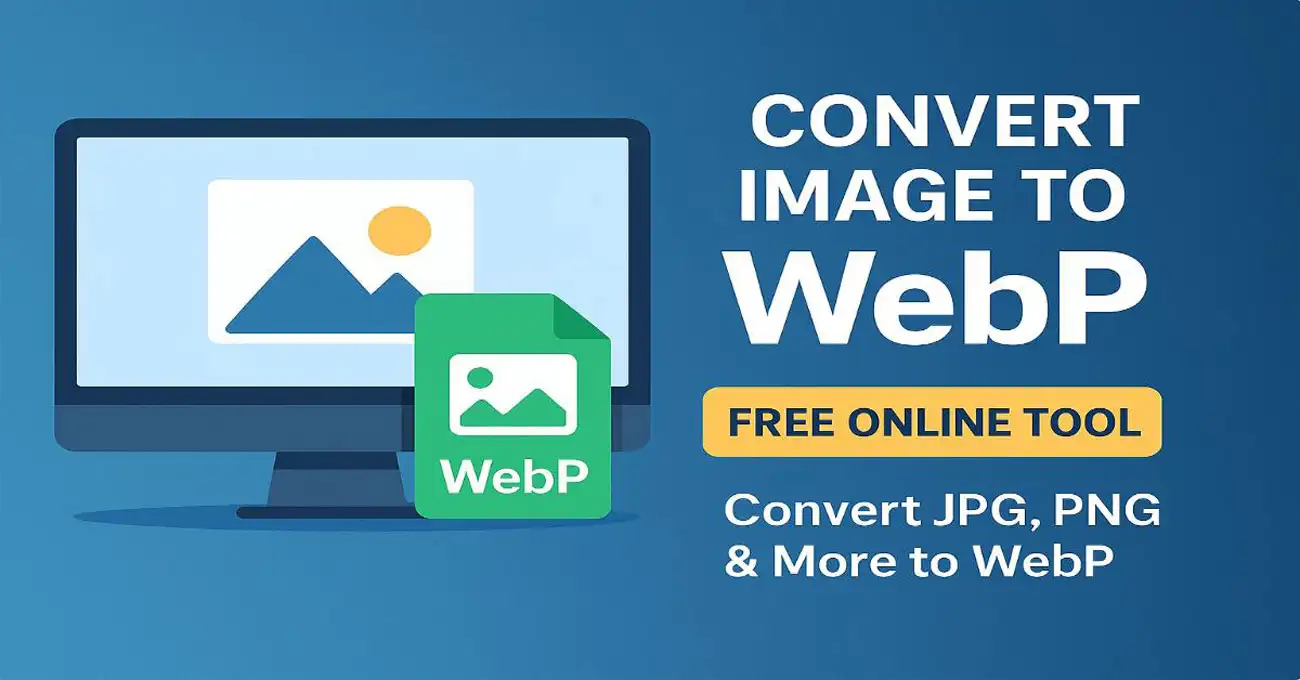
What is Image to WebP Converter Online and WebP Format?
WebP is a modern image format developed by Google.It helps reduce image file size without affecting quality.
In simple terms, it stores images in a smaller size.
At the same time, it keeps them visually clear.
- Smaller file size than JPG and PNG
- Supports transparency like PNG
- Maintains good image quality
Key Features of WebP Format
- Smaller file size compared to JPG and PNG
- Supports transparency like PNG
- Maintains high image quality
However, most images are still uploaded in JPG or PNG format.
That’s where a webp converter tool becomes useful.
For deeper technical understanding, you can refer to Google’s official WebP documentation .
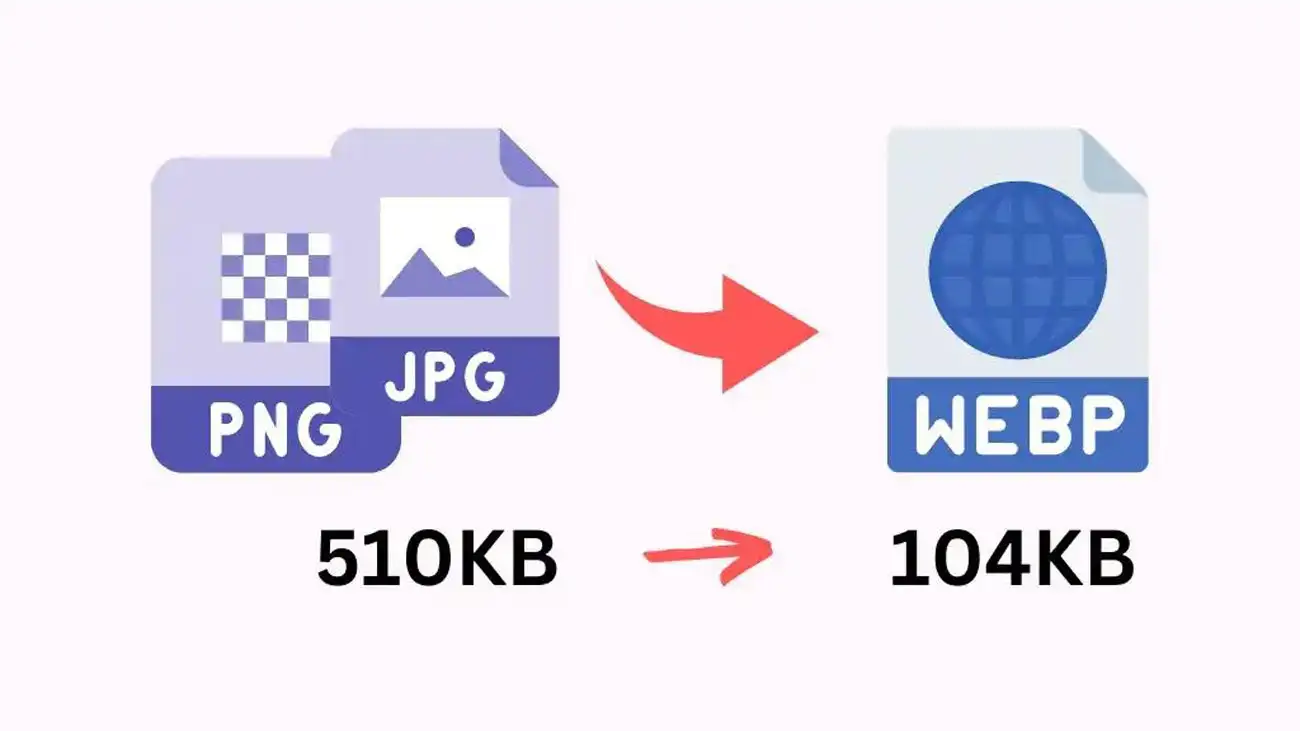
How to Convert Image to WebP Online Free
Converting images is simple and does not require technical skills.- Upload your image (JPG or PNG)
- Click on convert
- Wait a few seconds
- Download your WebP image
However, always upload a clear image to get better output quality.
In addition, check the final image before downloading to ensure quality.
Free JPG to WebP Converter Online Tool
Most users want to convert JPG images because they are commonly used in cameras and mobile devices.With this tool, you can easily use it as a jpg to webp converter without any limitations.- No signup required
- Completely free to use
- Works on mobile and desktop
Large image files can slow down your website if not optimized properly.
As a result, using WebP format helps improve loading speed and user experience.
PNG to WebP Converter
You can also use this tool as a png to webp converter.It helps you:
- Convert PNG images easily
- Maintain transparency
- Optimize images for web use
Compress Image to WebP and Reduce File Size Online
One of the biggest benefits is compression.When you compress image to webp, file size reduces significantly without visible quality loss.
- Faster website loading
- Better user experience
- Improved SEO performance
For example, large PNG files can be reduced significantly using WebP.
Why Use WebP Instead of JPG or PNG
Choosing the right format matters for performance. However, WebP offers multiple advantages.
Better Compression Using Image to WebP Converter
WebP provides better compression compared to JPG. As a result, your images load faster.
Supports Transparency
In addition, WebP supports transparency just like PNG, making it useful for logos and graphics.
Improves Website Speed
Therefore, using a webp converter tool improves page speed and SEO performance.
Convert Images to WebP Online for Free
You can convert images to webp online without installing any software. This makes the process fast and convenient.
Best Image to WebP Converter for Fast Conversion
This tool works as the best image to webp converter because it is fast, simple, and free to use.
This makes the process fast and convenient.
In addition, using a webp converter online free tool saves time and improves efficiency.
Therefore, switching to WebP is a smart choice for modern websites.
FAQs
Is Image to WebP Converter Safe?
Yes, this tool processes files securely and does not store your images.
What is the best image to WebP converter?
A fast and simple tool that reduces size without losing quality is considered the best option.Can I convert PNG to WebP?
Yes, you can easily convert PNG and JPG images using this tool.Will image quality reduce after conversion?
In most cases, quality remains almost the same if compression is optimized properly.
Is this tool free to use?
Yes, this is a completely free webp converter available online.Try Our Other Free Image Tools
If you found this image to webp converter useful, you may also like our other free tools for image optimization and conversion.- Image Compressor Tool – Reduce image size without losing quality
- Image Crop Tool – Crop images easily for social media and websites
- Image to Text Converter – Extract text from images instantly
- Base64 to Image Converter – Convert Base64 code into images
- Image to Base64 Converter – Encode images into Base64 format
- Rotate Image Tool – Rotate images online quickly