
Compress PDF Without Losing Quality Online (Free Tool)
Many times the size of a PDF file is too big to either upload, send via email, or send via multiple messaging apps. At that point, one of the simplest solutions is to compress PDF files without losing quality.
With the Compress PDF Tool at AIToolkitCenter, you can have your PDF compressed quickly and easily while ensuring that your document maintains its integrity and clarity, regardless of whether it is a scanned document, report, resume, presentation, etc.
In simple terms, the goal is to reduce the file size of a PDF without affecting the text, images, or layout.
Compress PDF
Upload one or multiple PDF files. Choose compression level and download the optimized file.
Drop PDF files here
or
Maximum file size: 50MB
Compress PDF Files Online
Use this free online PDF compressor to reduce PDF file size quickly. Upload one or multiple PDF files and choose the compression level that fits your needs. The tool works directly in your browser and keeps your files private.
How to Compress PDF
- Upload your PDF file
- Select compression level
- Click Compress
- Download your optimized file
Why You May Need to Compress PDF Without Losing Quality
Many people face the same small problem. Sometimes, the PDF file becomes too large. As a result, it cannot be uploaded or shared easily.
You try to upload your PDF file, but then get a message saying
‘File Too Large!’.
Or you want to email a document but can’t due to the size limit on attachments. When you have a PDF file that is too large for any of these tasks, a PDF Compressor allows you to compress the size of the PDF without losing any quality and makes your life a little easier.
There are many situations where PDF files need to be compressed:.
- When sending a resume or document via email
- When uploading assignments or office reports
- When sharing documents through messaging apps
- To free up storage space on devices
- When uploading documents to government websites
Creating a new PDF file will waste a lot of time; therefore, Compressing the size of the PDF file is quicker than recreating the file.
How to Compress PDF Without Losing Quality
Using this tool is extremely simple. You do not need technical knowledge.
Just follow these steps:
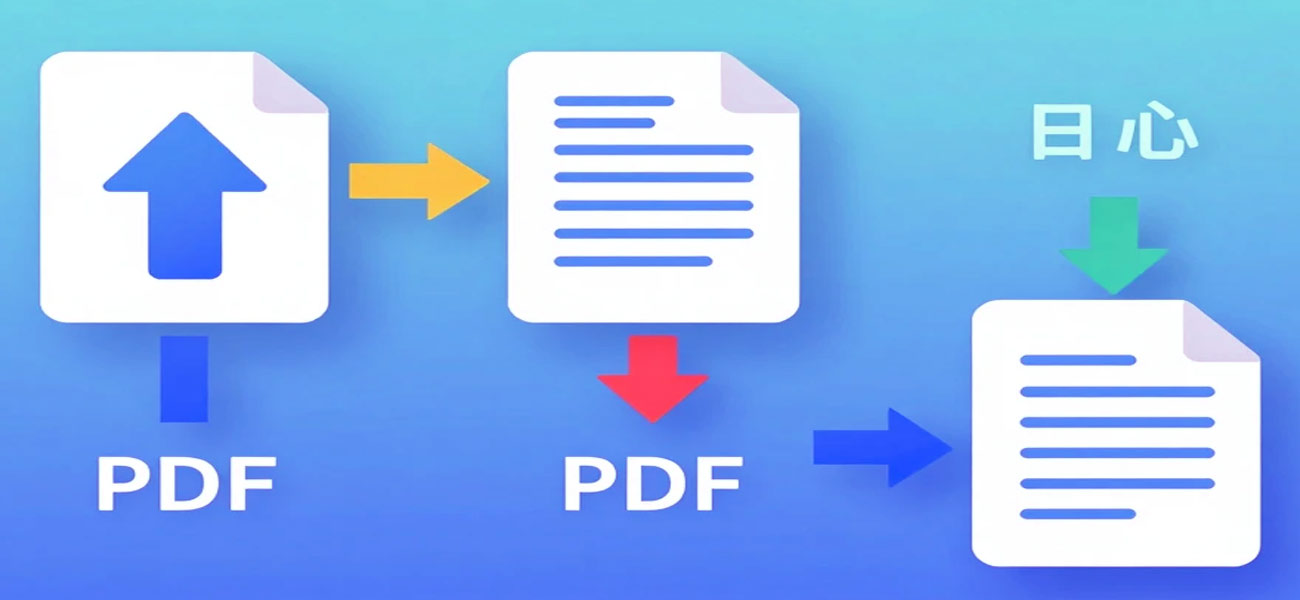
Step 1 – Upload your PDF file
Choose the document you want to compress PDF without losing quality.
Step 2 – Select compression level
Pick the level of compression depending on how much you want to make PDF smaller.
Step 3 – Click Compress
Our system will automatically reduce PDF size while maintaining clarity.
Step 4 – Download your optimized file
Once the process is complete, download the compressed PDF file instantly.
The entire process usually takes only a few seconds.
Compress PDF Without Losing Quality for Email Attachments
Sometimes a PDF is too large for email attachments. Most email providers restrict file sizes, which means large PDF files cannot be delivered directly.
However, you can easily compress PDF without losing quality using this tool. This allows you to reduce PDF size while keeping text, images, and formatting clear.
As a result, the document becomes small enough to attach and share through email without errors or upload issues.
Try the Free Online PDF Compressor
If your PDF is too large for email, or just requires a smaller size for convenience, we have a free tool to help!
This tool is designed to:
Compress your PDF while maintaining high quality
Maintain the clarity of text
Maintain image clarity
Work in your web browser
Provide fast downloads
If you need to combine several documents before sending them, you can also use our Merge PDF Online tool.
Common File Sizes When You Compress PDF Without Losing Quality
Users often have a target file size in mind.
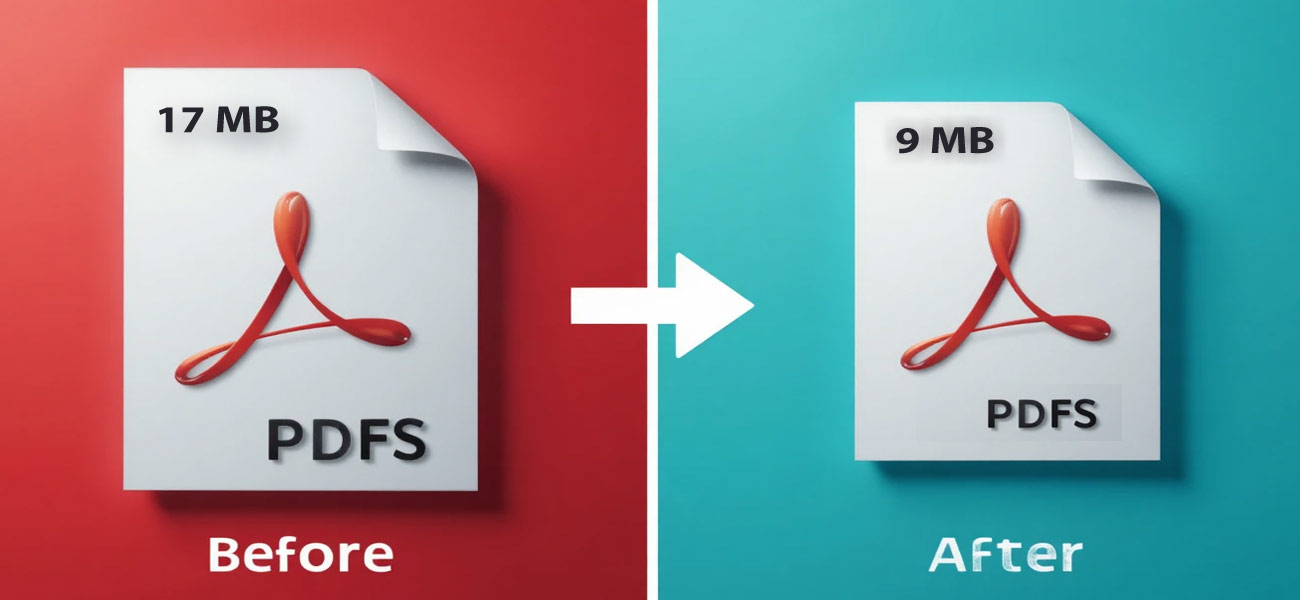
Many websites limit uploads to specific sizes. Therefore, people search for ways to compress PDF without losing quality while meeting those limits.
Common compression targets include:
PDF compressor to 100KB
PDF compressor to 500KB
Compress PDF 200KB
Compress PDF to 50KB
These targets can help with a variety of scenarios.
Forms submitted through government agencies
Applications for employment
Online assessments
Scholarship uploads
Benefits of Compressing PDF Files
Using a PDF compressor without losing quality offers several advantages.
1. Faster File Sharing
In addition, smaller files upload faster and are easier to share.
2. Easier Email Attachments
Large files often exceed email limits. Compression solves this instantly.
3. Saves Storage Space
Compressed files take less space on devices and cloud storage.
4. Better Website Upload Performance
Many websites restrict file sizes. Smaller PDFs avoid rejection.
When Should You Compress PDF Without Losing Quality Online?
Sometimes a PDF becomes too large to upload, share, or email. In such cases, it is helpful to compress PDF without losing quality so the file becomes smaller while the document remains clear and readable.
How to Reduce PDF Size Without Losing Quality
If your document contains large images or scanned pages, the file size can grow quickly. Using a pdf compressor without losing quality helps reduce the file size while maintaining text clarity and layout.
Sometimes users simply want to reduce PDF size online so the document becomes easier to upload or share. In many cases, people also look for ways to make PDF smaller when the file exceeds upload limits on websites or email services. Using a reliable tool helps shrink PDF file size quickly while keeping the document clear and readable.
Is It Safe to Compress PDF Files Online?
Most modern browser-based PDF compressors process files temporarily during compression. Files are usually removed automatically after processing, which helps protect user privacy. This allows you to compress PDF files quickly without needing to install any software on your device.
FAQ
1. Can I compress PDF without losing quality?
Yes. Modern compression algorithms can compress PDF without losing quality by optimizing images, fonts, and file structure while keeping the document readable.
2. Is this PDF compressor free?
Yes. The Compress PDF tool on AIToolkitCenter is completely free to use online.
3. Can I compress PDF to 100KB?
Yes. Depending on the document content, you may be able to use the PDF compressor to 100KB option.
If you need to combine multiple documents before compression, you can use our Merge PDF Online tool.
4. Why is my PDF too large for email?
PDF files often contain large images or scanned pages. Compressing them helps make the file small enough to send as an email attachment.
5. Is it safe to upload PDF files?
Most browser-based compressors process files temporarily during compression and do not store them permanently.